How it works
Four small things, in order
Each of these takes about a minute the first time, and less afterwards.
Every picture on this page is a screenshot of Flowly itself, filled with the demo family. Nothing is drawn.
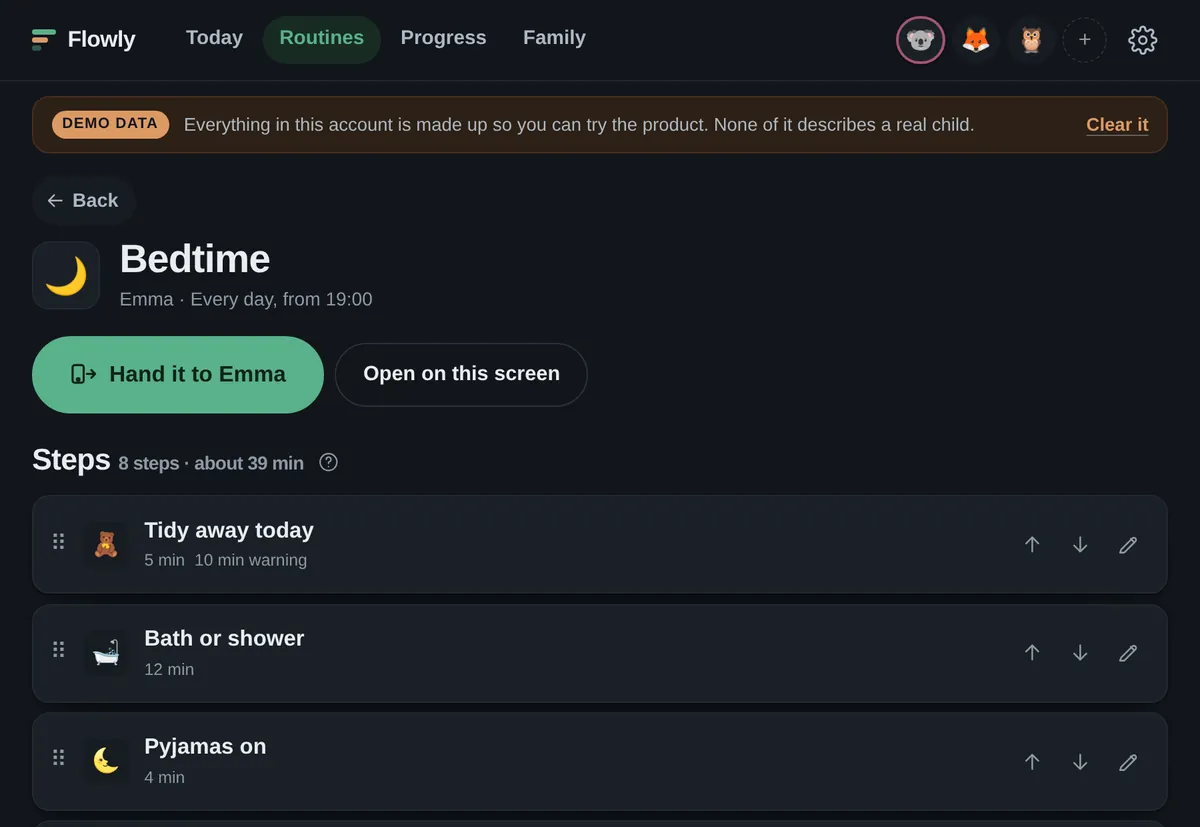

1 Make a routine Start from a ready-made one or write your own. Paste four lines and you get four steps. 2 Hand over the screen Tap your child's name and give them the device. Flowly locks to their routine and nothing else. 3 They tap through it One step at a time, at their pace, while you get on with the packed lunches. 4 Read what it noticed What it saw, what it suggests, and nothing changes to your routine until you say so.
-
Make a routine
Start from one of twenty ready-made routines: school morning, bedtime, homework, leaving the house, the dentist. Or write your own. Add a step by typing it. Paste four lines and you get four steps.
-
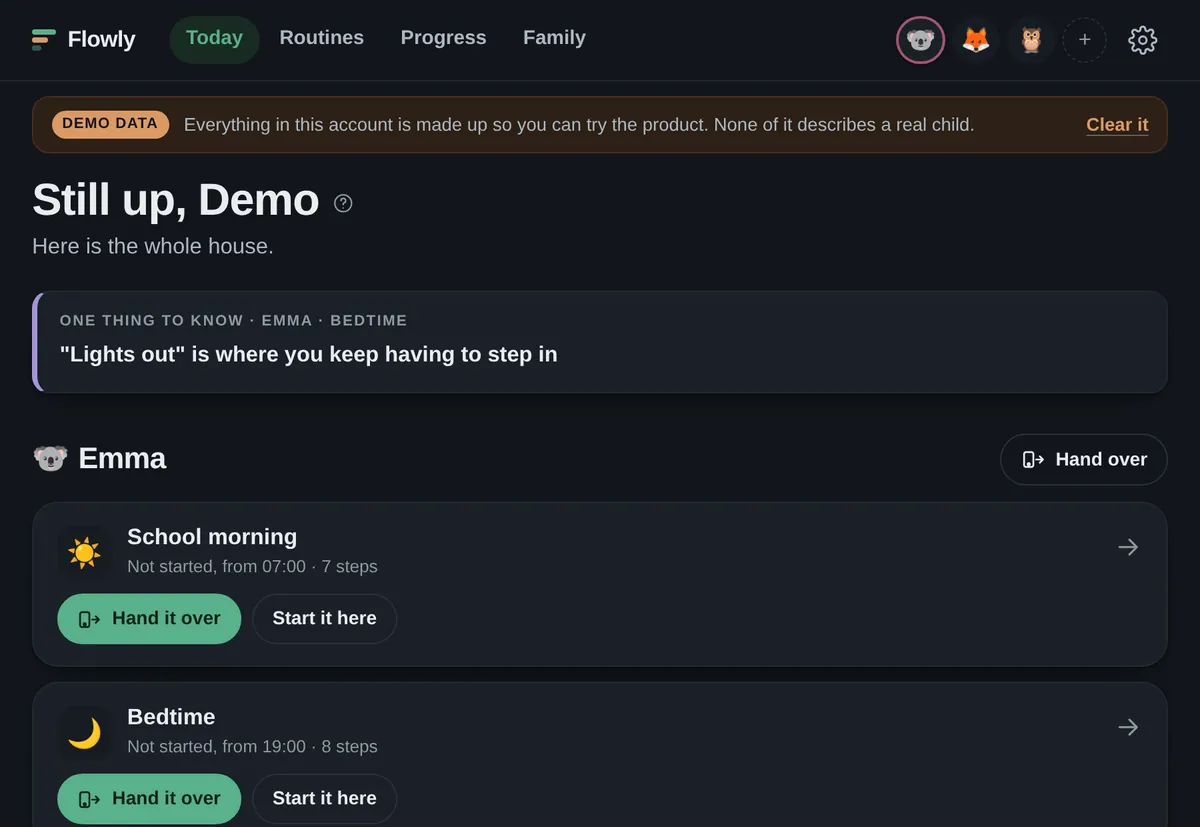
Hand over the screen
Tap your child's name and give them the device. Flowly locks to their screen: one step at a time, their icon, their pace. Nothing they can wander into, and no way back to your side without your PIN.

-
They tap through it
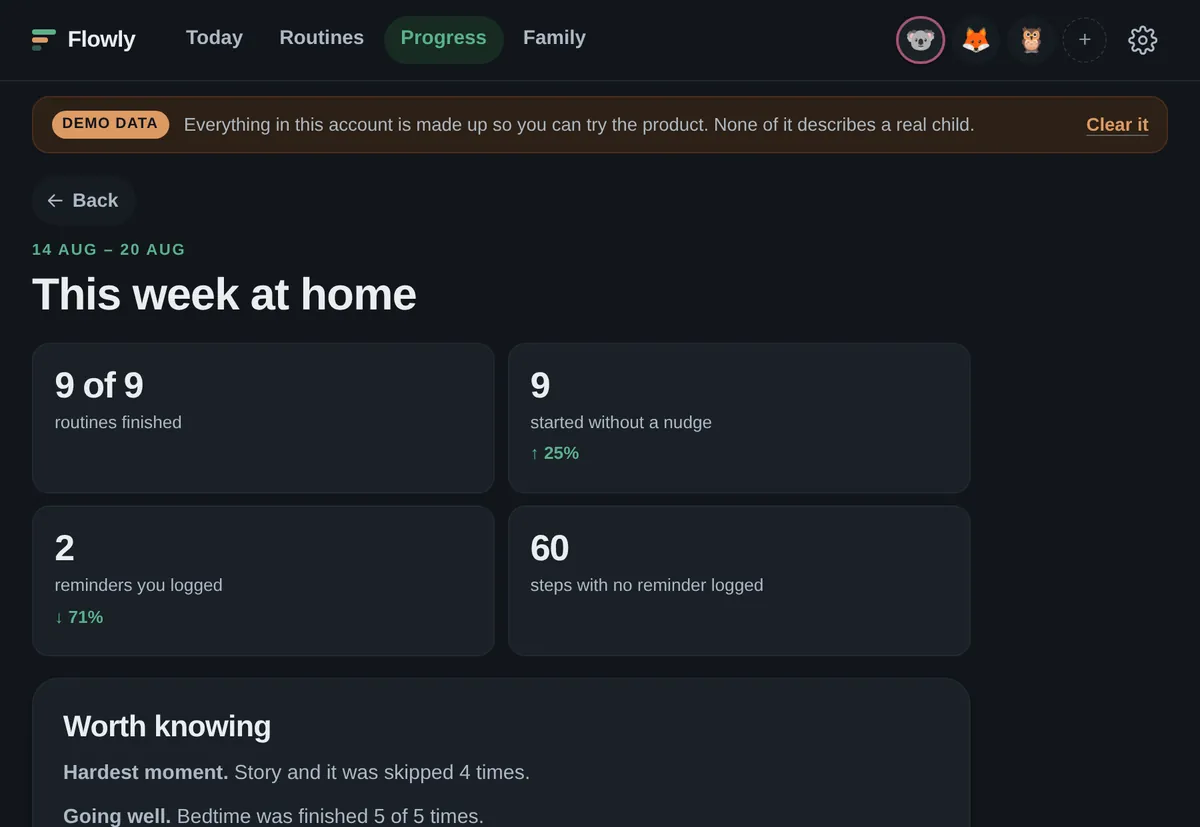
They tap through it while you get on with the packed lunches. That part works on day one. When you do have to remind them of something, tap the step and log it. That one tap is what makes the reminder count honest, and after a couple of weeks it is what lets Flowly tell you where the mornings actually go.

-
Read what it noticed
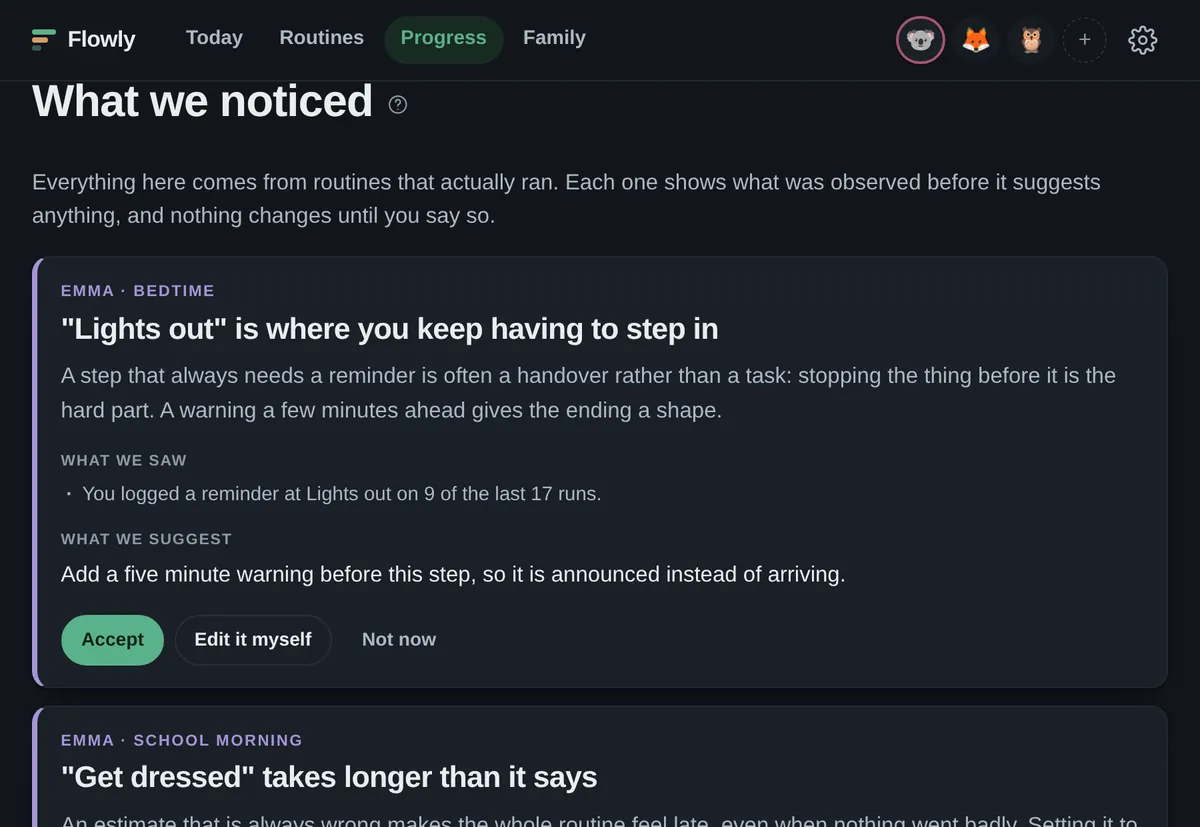
Flowly shows you where the friction really is, and suggests one change at a time. You accept it, edit it, or tell it no. It never rewrites your routine on its own.

What Flowly can and cannot see
It can see: which steps were tapped, in what order, how long each one was on screen, which were skipped, when a routine was started and by whom, and every reminder you logged yourself.
It cannot see: anything you say out loud, anything that happens off the screen, or why a morning went badly. When it does not have enough to say something, it says that instead of guessing.